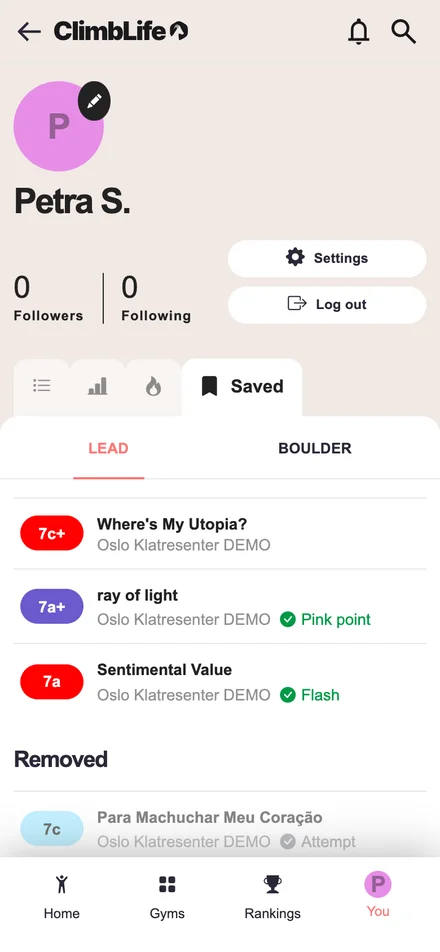
Save routes and boulders
Save a route or boulder you want to come back to, whether it's a project you want to send or a line you simply enjoyed. Tap Save on its page and find everything you've saved on your profile under the new Saved tab, across all gyms and together with how you've climbed it. In the list filters, switch on "Saved routes only" and add "Not tried" and "Tried" to get a to-do list that drops routes once you send them. Saved routes stay on your profile even after the gym takes them down, so you never lose track of them.