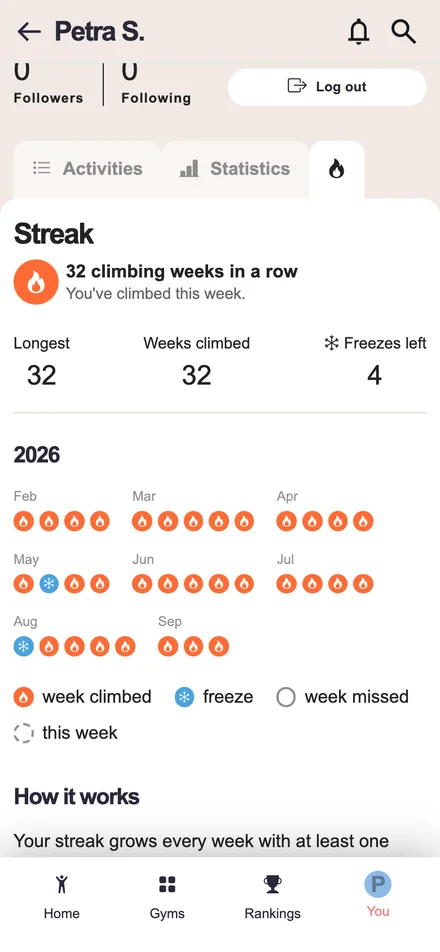
2026
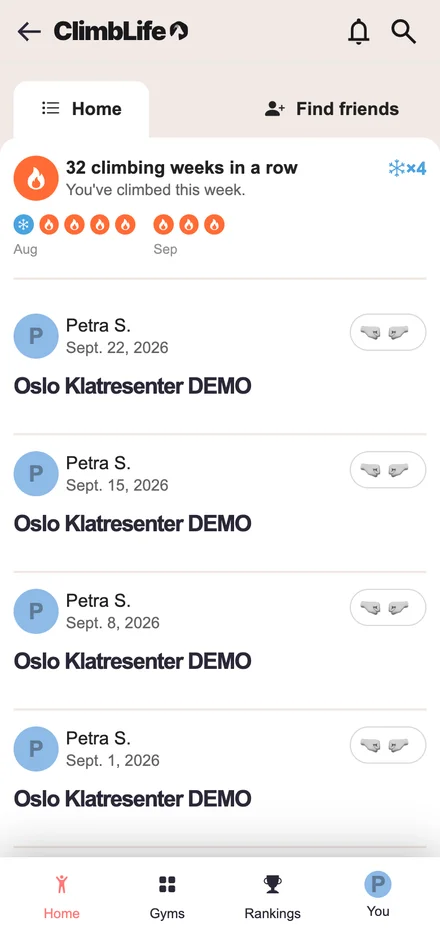
Every week you climb at least once keeps your streak going. You'll see it right at the top of your home feed, and your profile has a streak tab with your whole history week by week. Every 4 climbed weeks in a row earn you a freeze that forgives one missed week, so a holiday or a cold won't break your streak. And if the week is running out and you haven't climbed yet, we'll remind you on Saturday.
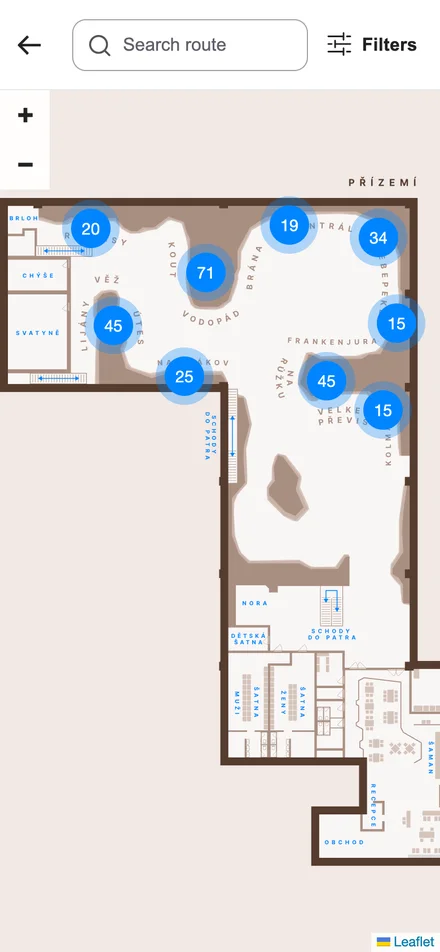
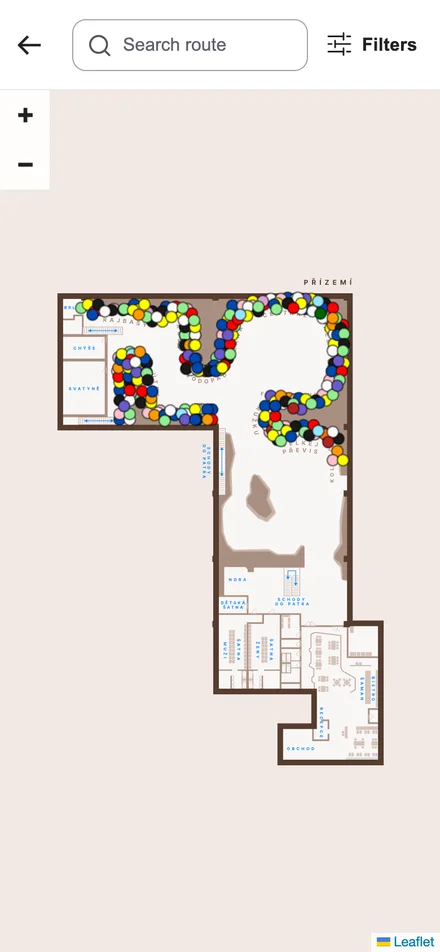
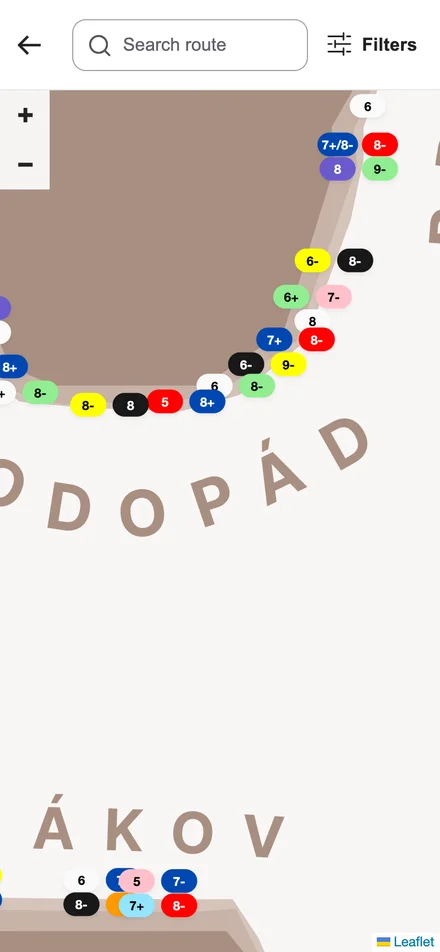
The gym map now shows every route and boulder separately. At a glance you see where the climbing is and how much is on each wall, and once you zoom in, every route shows its grade.
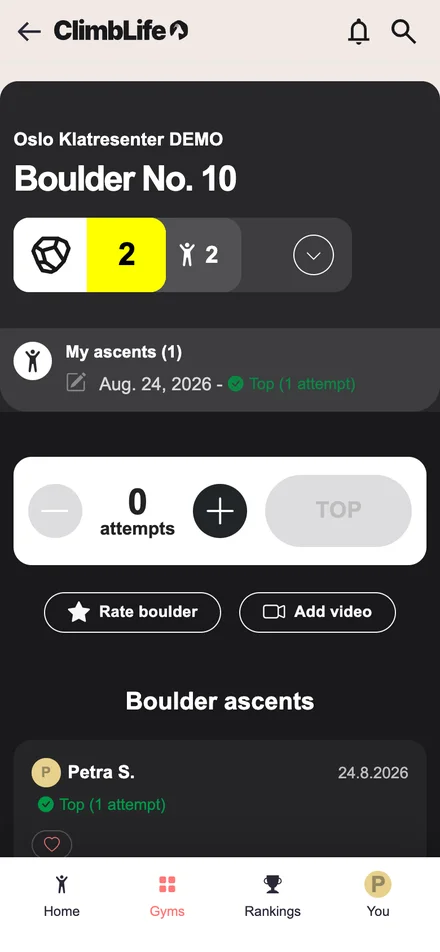
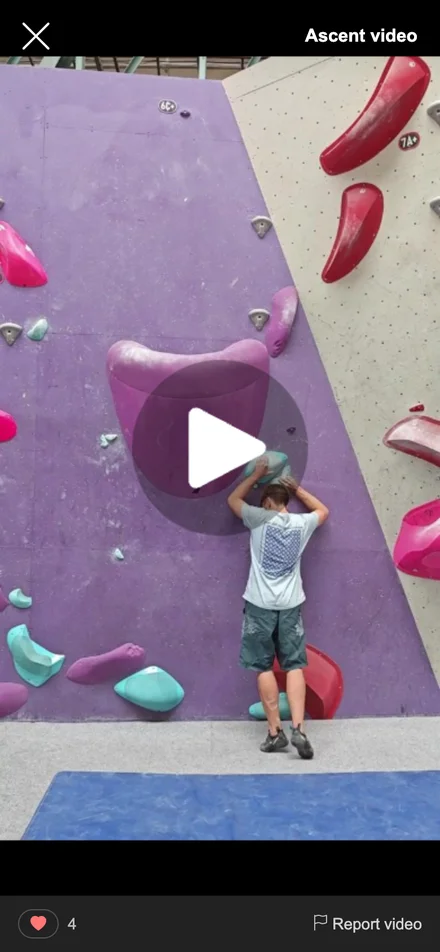
Topped a boulder? Attach a video of the send right on the boulder page — up to two minutes, straight from your phone. Other climbers see a play icon on your ascent and can watch it in the app and like it. Perfect for showing your beta or just celebrating the send.
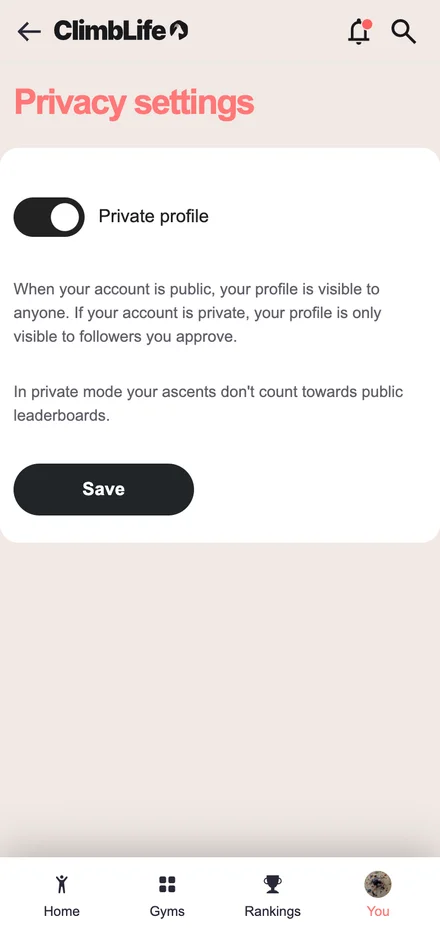
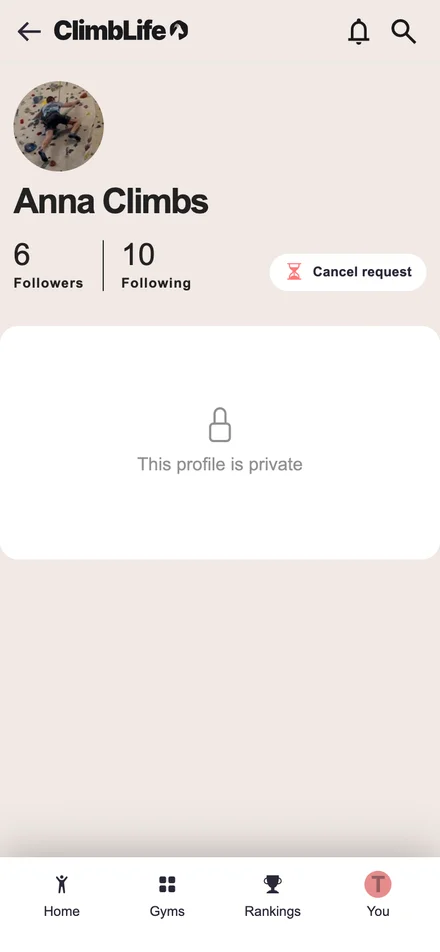
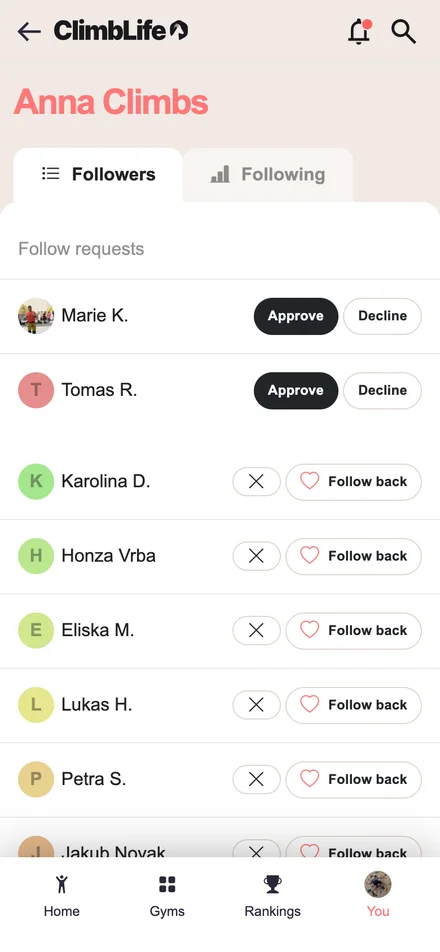
Switch your profile to private in Privacy settings and only followers you approve see your sessions, ascents and stats — everyone else sees just your name, avatar and follower counts. New followers send a request you approve or decline, and you can remove a follower any time. Ascents logged while private stay out of public leaderboards.
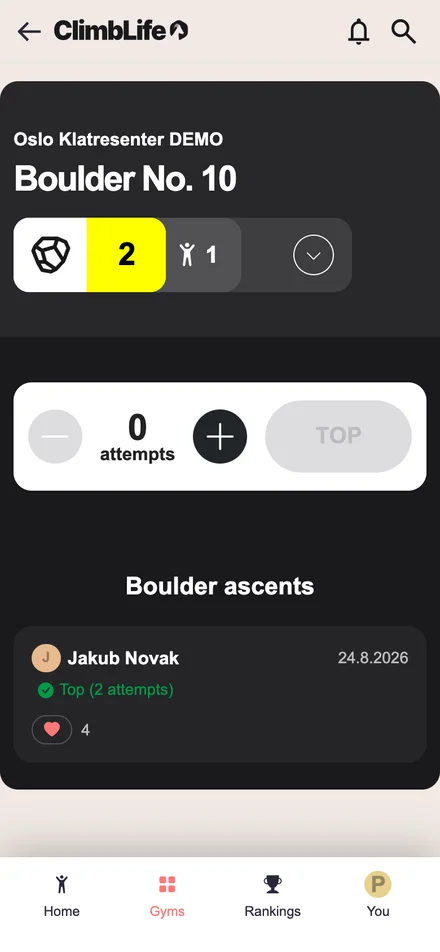
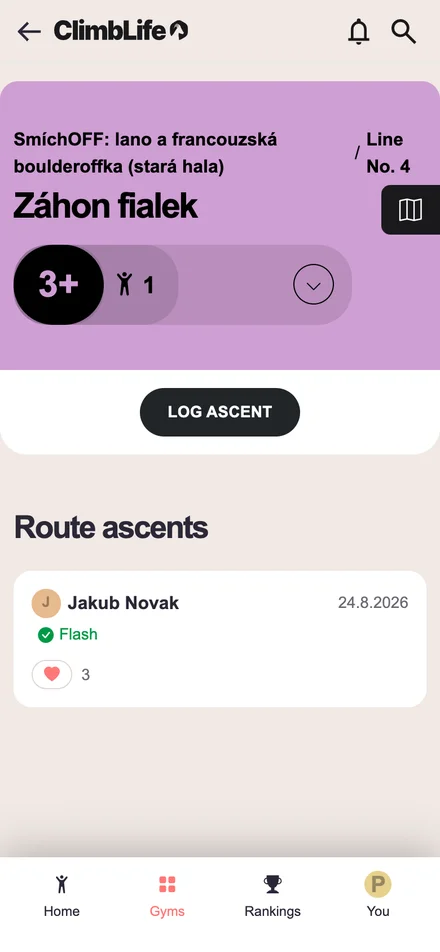
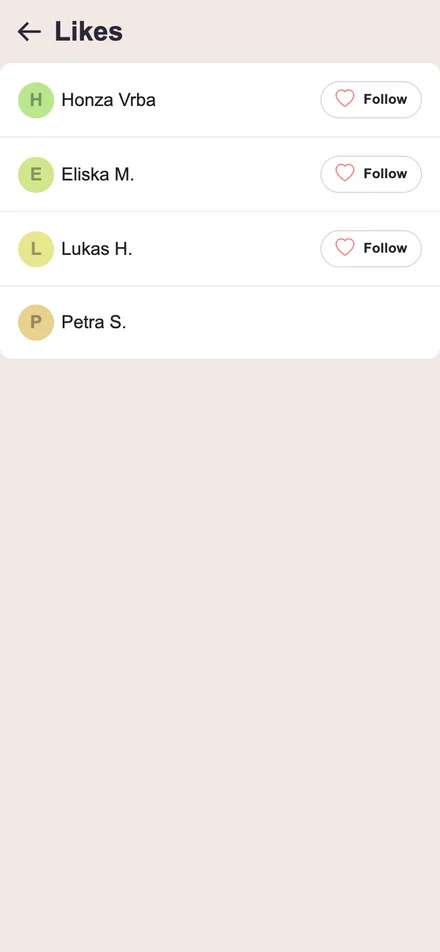
Give likes for a nice send, a useful rating or a helpful video beta: every ascent on a route or boulder page now has a like button with a counter. Tap the number to see who liked it. Likes work in the ascent video player too.
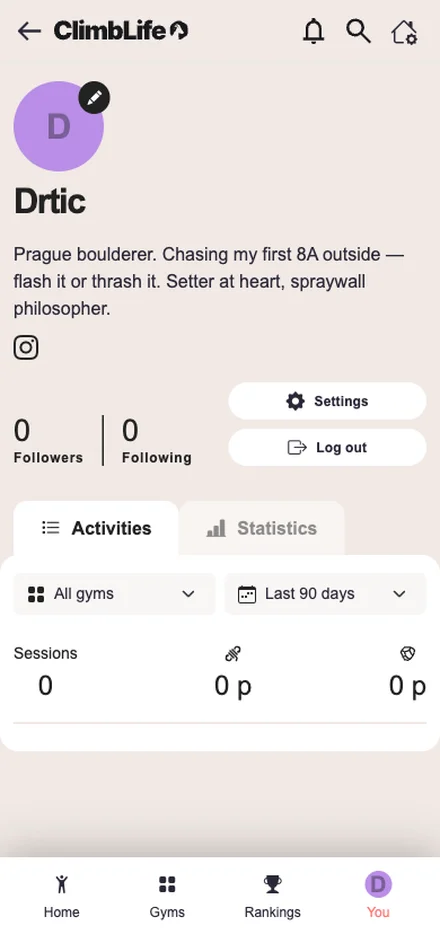
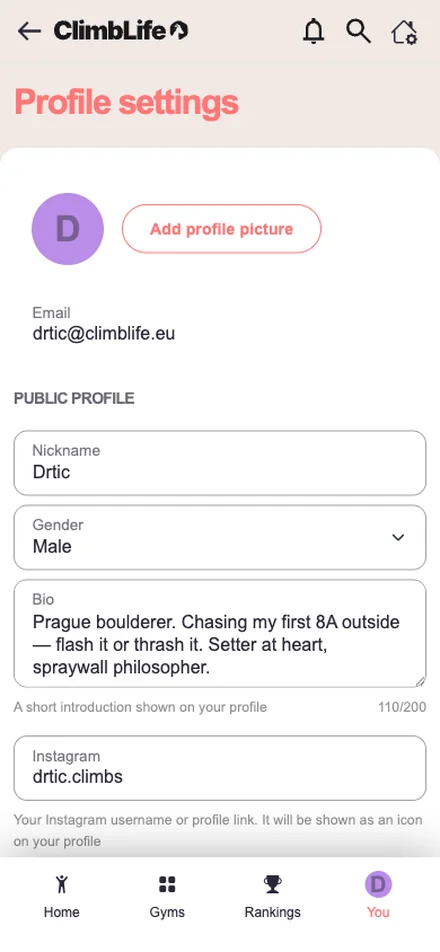
Climbers can introduce themselves: profile settings now include a short bio and an Instagram link.
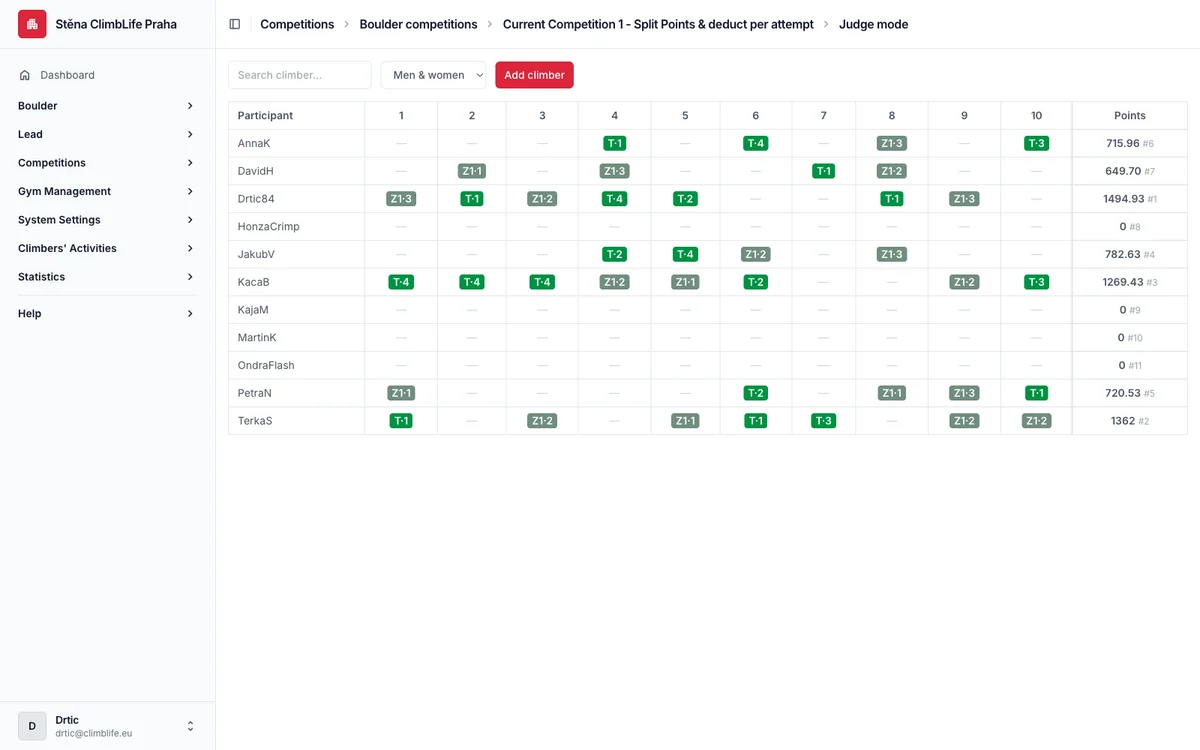
One table where a judge records attempts, zones and tops for every competitor at once, with standings recalculating instantly. Create a competitor without the app right at the wall and record their results for them — if they get the app later, you can link them to their account. Results the climbers logged themselves are easy to fix, even during the competition. It also covers semi-finals, finals and other judge-scored formats.
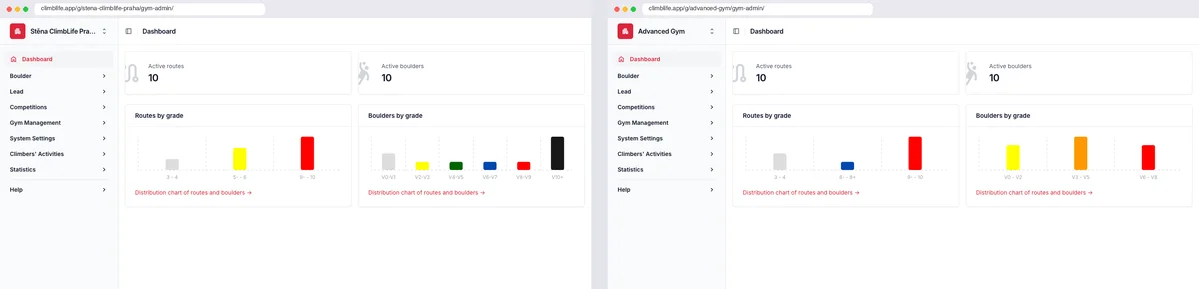
Running more than one gym? The gym admin now has its own URL for every gym, so each browser tab stays with the gym you opened it for. Manage two gyms next to each other without switching back and forth.
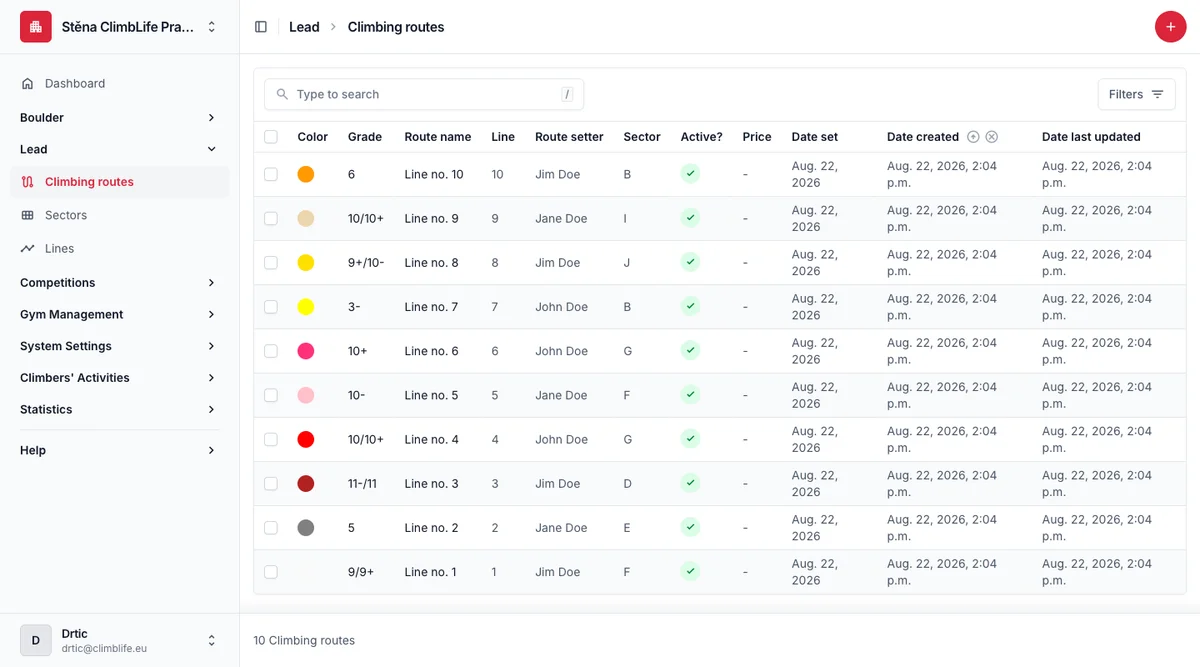
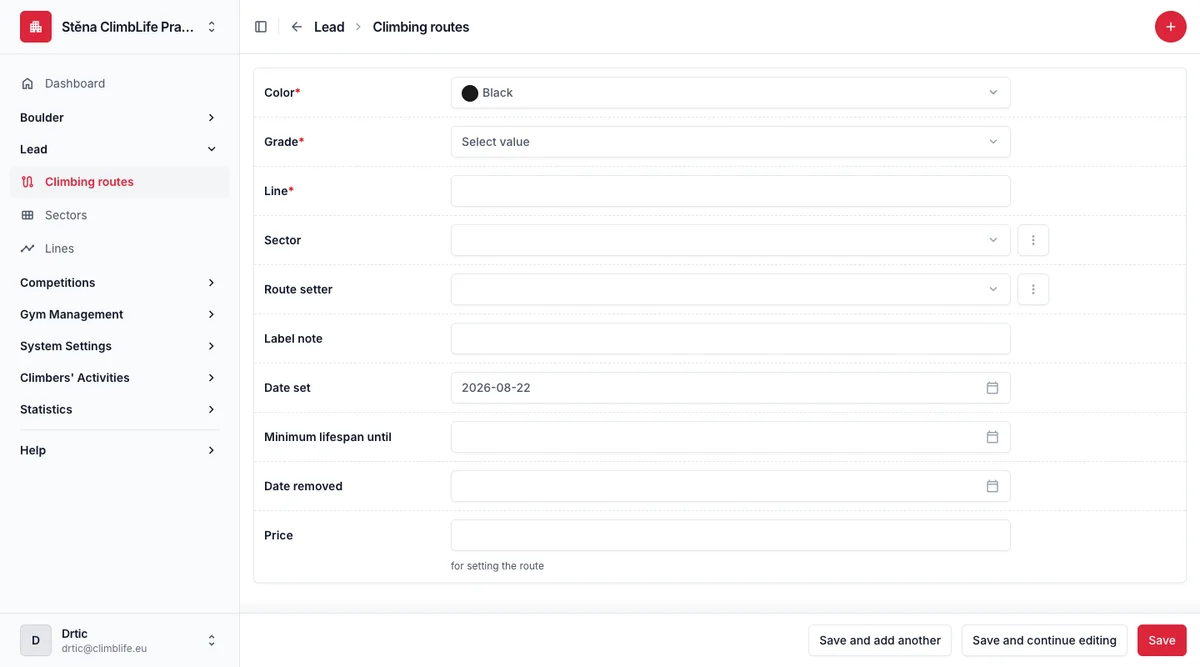
Some gyms don't name their lead routes — a route is simply its line, colour and grade. That is now a gym setting: switch route names off and the admin stops asking for them, while climbers see a clean "Line no. 5" everywhere, translated into their language.